
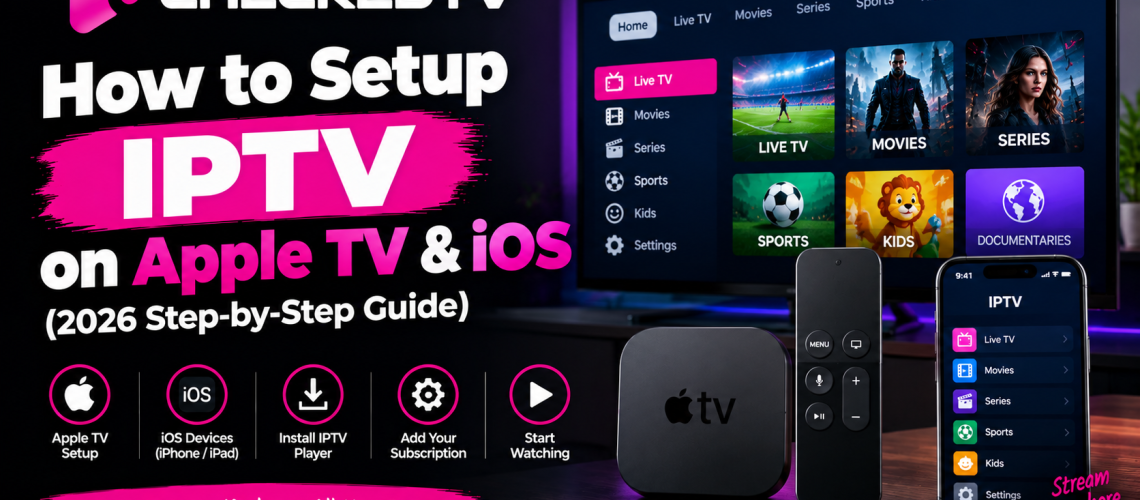
How to Setup IPTV on Apple TV & iOS (iPhone / iPad Guide)
Configuring a premium IPTV subscription on Apple TV 4K, iPhone, or iPad gives you access to ultra-fast channel switching, high-bitrate 4K sports streams, and complete flexibility. Thanks to the raw processing power of Apple's Bionic and M-series chips, Apple TV and iOS devices deliver one of the most stable IPTV viewing environments available.
Looking for High-Speed Apple-Compatible IPTV?
Unlock instant access to over 40,000 live channels, PPV sports events, and VOD movies optimized specifically for Apple devices and tvOS media players.
Best IPTV Apps for Apple TV and iOS Devices
While the Apple App Store enforces strict content regulations, several high-performance IPTV applications are officially hosted and fully compatible with Xtream Codes API and M3U playlists:
- IPTV Smarters Lite: The official iOS variant of Smarters Pro. Extremely stable, clean UI, and includes automated EPG loading.
- GSE Smart IPTV: Highly customizable player with advanced video engine options, subtitle integration, and multi-playlist management.
- Snapp IPTV / XCIPTV Player: Lightweight options specifically optimized for tvOS and remote control navigation on Apple TV 4K.
Method 1: Setup IPTV Smarters Lite on iPhone & iPad
Follow these quick steps to connect your account using the Xtream Codes API method:
- Open the App Store on your iPhone or iPad and search for IPTV Smarters Lite.
- Install and launch the app, then accept the terms of use.
- Select Login with Xtream Codes API for instant server synchronization.
- Fill in your credentials sent to your email upon ordering:
- Any Name: Checked TV
- Username: Your subscription username
- Password: Your subscription password
- Server URL: The portal URL provided in your activation email
- Tap Add User. The application will automatically build your channel list and EPG TV guide.
Need Setup Assistance for Other Devices?
If you own additional hardware, check out our dedicated installation tutorials:
👉 How to Setup IPTV on Smart TV (Samsung & LG Guide)
👉 How to Install IPTV on Amazon Firestick
Method 2: How to Install IPTV on Apple TV 4K
To turn your living room into a high-definition home theater with rapid channel changes, follow this procedure on tvOS:
- Turn on your Apple TV 4K and open the native App Store.
- Search for GSE Smart IPTV or Smarters Lite.
- Download and open the player.
- Navigate to Remote Playlists or Add Xtream Codes API.
- Input your server connection details carefully.
- Select Save & Connect to start watching live TV, sports, and movies immediately.
Optimizing Performance & Fixing Playback Lag
If you encounter occasional freezing during major live sporting events, your Internet Service Provider (ISP) might be applying bandwidth throttling to media streams.
To resolve network drops, explore our comprehensive guide on how to fix IPTV buffering or learn more about player capabilities in our TiviMate vs IPTV Smarters Pro comparison.
Start Streaming on Apple Devices Today
Get instant automated account delivery, 4K picture quality, and 99.9% server uptime with Checked TV.