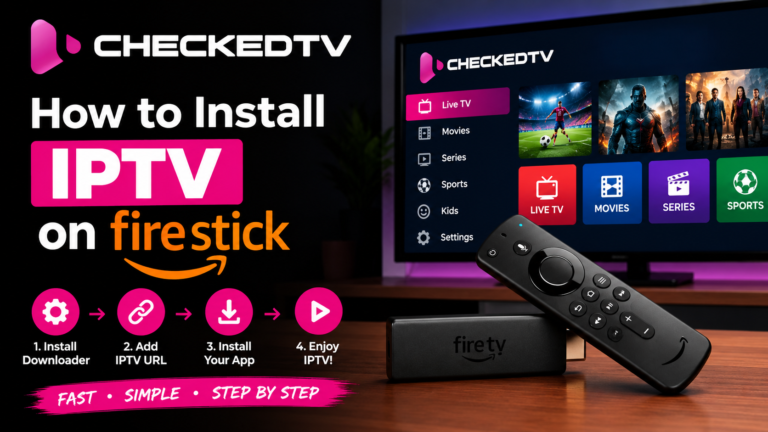
SETUP GUIDE • UPDATED 2026 How to Install IPTV on Firestick: Complete Step-by-Step Guide Looking to...
QUICK ANSWERS
Frequently Asked Questions
Everything you need to know about streaming, setup, and performance.
Can I install IPTV on any Amazon Firestick model?
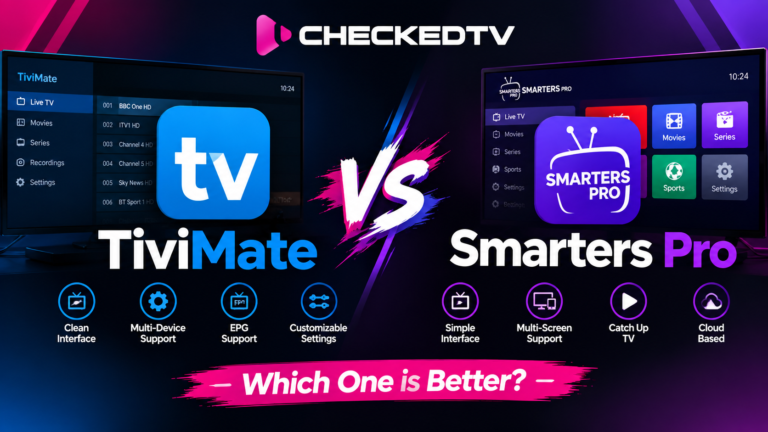
Yes. All modern Fire TV devices—including Firestick Lite, Fire TV Stick 4K, 4K Max, and Fire TV Cube—run on Android-based Fire OS and support dedicated players like TiviMate and IPTV Smarters Pro. Read our Firestick Setup Guide for full steps.
What is the difference between an IPTV player and a subscription?
An IPTV player (like TiviMate or XCIPTV) is simply an empty media player software. An IPTV subscription (like CheckedTV Plans) supplies the actual server links, live sports channels, and VOD libraries loaded into that player.
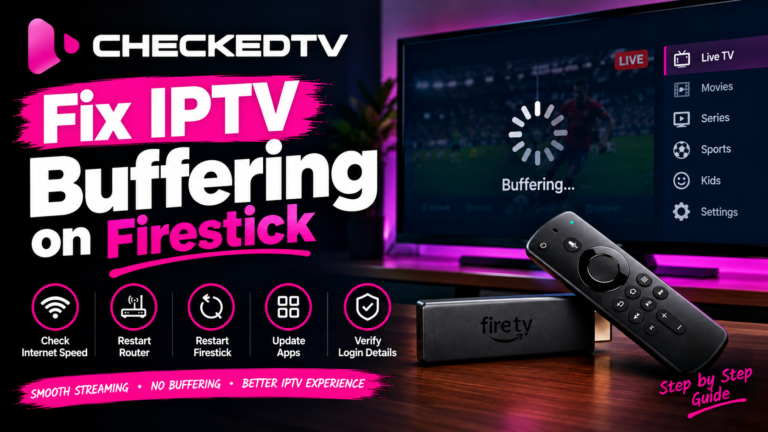
Why is my IPTV buffering during live sports?
Live sports draw peak traffic spikes. Most buffering happens when internet providers throttle UDP traffic or when cheap servers overload. You can resolve this by connecting via 5 GHz Wi-Fi or Ethernet and switching to our load-balanced servers.
Do I need a VPN to use IPTV on Firestick?
A VPN is not mandatory, but it is strongly recommended if your ISP actively monitors or throttles streaming protocols. A VPN or custom DNS resolver (like Cloudflare 1.1.1.1) prevents speed capping during high-profile events.