
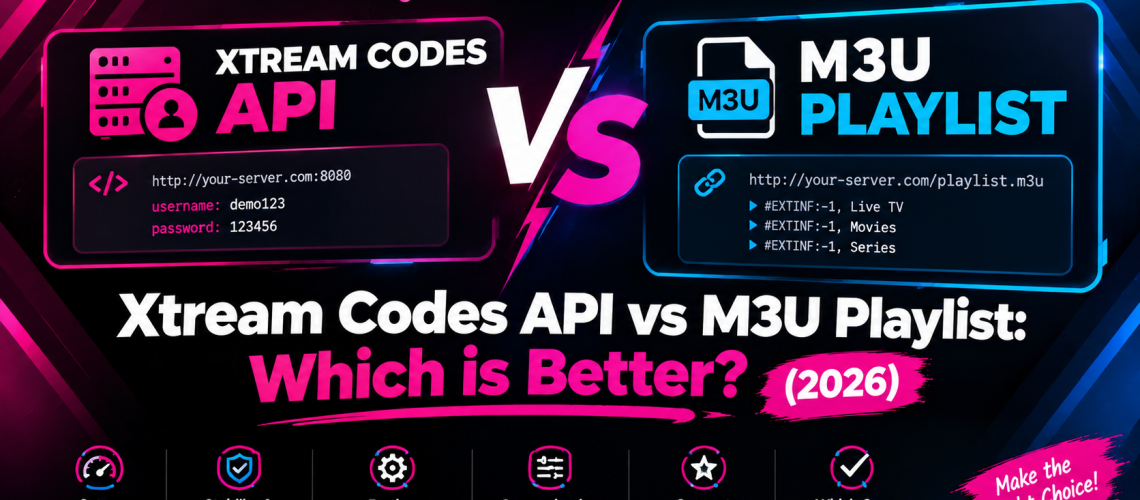
Xtream Codes API vs M3U Playlist: Which is Better?
When subscribing to an online streaming service, you will typically receive two main connection parameters: an M3U Playlist URL or Xtream Codes API login details (Username, Password, and Server URL). While both formats stream live television and video-on-demand content, they operate differently under the hood regarding stability, EPG synchronization, and user experience.
Experience Blazing Fast Xtream API Connections
Connect to Checked TV using high-speed Xtream Codes API. Get instant activation, multi-device support, and 4K uninterrupted playback.
What is an M3U Playlist?
An M3U file (Moving Picture Experts Group Audio Layer 3 Uniform Resource Locator) is a plain text file containing channel names, stream URLs, and categories. When loaded into a media player like VLC or Smart IPTV, the application downloads the entire list of thousands of streams into memory at once.
- Pros: Highly compatible with older TV boxes, simple text format, works on basic media players.
- Cons: Extremely long URLs prone to typos, slower initial load times, separate EPG links required for TV guides.
What is Xtream Codes API?
Xtream Codes API is a modern database protocol that creates a direct handshake between your media player application and the IPTV host servers. Instead of loading every stream URL into memory, it fetches metadata dynamically on demand.
- Pros: Extremely easy to type (Username, Password, Server URL), integrated Electronic Program Guide (EPG), fast VOD navigation.
- Cons: Requires modern media applications like IPTV Smarters Pro, TiviMate, or XCIPTV.
Xtream Codes API vs M3U Playlist: Head-to-Head Comparison
| Feature | Xtream Codes API | M3U Playlist Link |
|---|---|---|
| Setup Ease | Very Easy (Simple credentials) | Hard (Long complex URL) |
| Channel Load Speed | Ultra-fast (Dynamic loading) | Slower (Loads full file) |
| EPG (TV Guide) Integration | Automatic & Built-in | Requires manual EPG URL |
| VOD / Movie Posters | Full posters, summaries & ratings | Basic text lists only |
| Account Expiry Tracker | Visible directly in-app | Not available |
Looking for Step-by-Step Device Setup Guides?
Whether you choose Xtream Codes API or M3U links, check out our device tutorials for instant configuration:
👉 How to Setup IPTV on Apple TV & iOS
👉 How to Setup IPTV on Smart TV (Samsung & LG)
👉 How to Install IPTV on Amazon Firestick
Why Xtream Codes API is Recommended for Checked TV Subscribers
For the vast majority of our subscribers, we strongly recommend logging in using Xtream Codes API. It eliminates connection errors caused by missing characters in long M3U links and automatically synchronizes live TV categories, catch-up TV, and video-on-demand libraries without manual refreshing.
Troubleshooting Connection Errors & Throttling
If your stream buffers regardless of whether you use Xtream API or M3U links, network interference from your ISP could be the primary cause. Read our troubleshooting guide on how to fix IPTV buffering or check our player app analysis in TiviMate vs IPTV Smarters Pro.
Get Instant Automated IPTV Access
Subscribe to Checked TV today to receive your instant Xtream Codes API credentials with zero setup delays.